







Plan Your Build: Understanding Your Budget
A successful budget gaming PC build requires setting a realistic budget and understanding what components are essential for a smooth gaming experience.
Consider your needs, including the type of games you play, the resolution you want to achieve, and whether you’ll be playing on a single monitor or multiple displays.
Choose Your Processor: AMD Ryzen 5 vs Intel Core i5
The processor (CPU) is the heart of your gaming PC, handling calculations, rendering graphics, and more. For a budget build, consider:
- Amd Ryzen 5 5600X (around $329)
- Intel Core i5-11400F (around $269)
Both options offer impressive performance for their price and are excellent choices for a budget gaming PC build.
Select Your Graphics Card: NVIDIA GeForce vs AMD Radeon
The graphics card (GPU) is responsible for rendering the visuals on your screen. For a budget build, consider:
- NVIDIA GeForce GTX 1660 Super (around $229)
- AMD Radeon RX 5600 XT (around $299)
Budget options might not offer ray tracing or DLSS, but they still deliver impressive performance at a lower price point.
Memory and Storage: RAM and SSDs for Fast Loading Times
Adequate memory (RAM) and storage (SSD) are crucial for smooth gameplay. Consider:
- 16 GB DDR4 RAM (around $60)
- 1 TB NVMe SSD (around $130)
These components may seem pricey, but they’re essential for optimal performance and will make a huge difference in your gaming experience.
Motherboard: Choosing the Right One for Your Components
The motherboard is the backbone of your gaming PC, connecting all your components together. When selecting a motherboard:
- Ensure it’s compatible with your CPU and RAM
- Check for USB ports, SATA ports, and other features you need
Look for motherboards with good reviews and consider the chipset, as some are more budget-friendly than others.
Case: Aesthetics Matter but Functionality Comes First
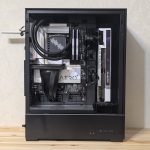
A gaming PC case should be durable, well-ventilated, and have enough room for your components. Look for:
- Good airflow and cable management options
- Durable materials and a sturdy design
Don’t sacrifice performance for aesthetics – instead, find a balance between form and function.
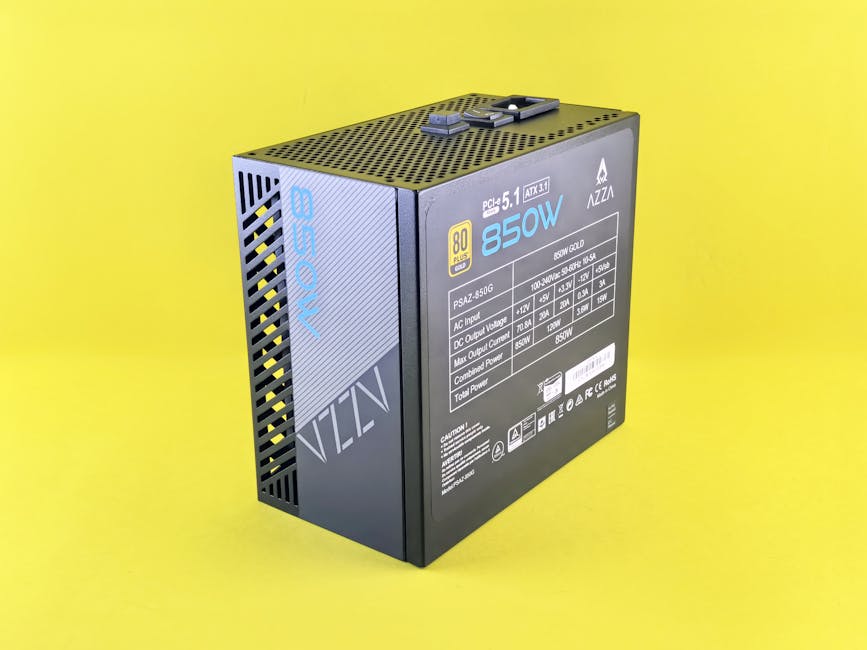
Power Supply: Reliable wattage and Efficiency Matter
A reliable power supply (PSU) is crucial to prevent your components from burning out. Consider:
- At least 650 W for most gaming PCs
- 80 PLUS certification for efficiency
A good PSU will help you avoid any potential bottlenecks in performance.
Assemble Your Build: Tips and Tricks for a Smooth Process
Gather all your components, read through the manuals, and take your time. Don’t be afraid to ask online forums or YouTube tutorials for assistance if needed.
Finally, connect everything, turn it on, and enjoy the thrill of gaming on your new budget PC build!