




📄 Table of Contents
The Best Monitors for PS5: A Buying Guide
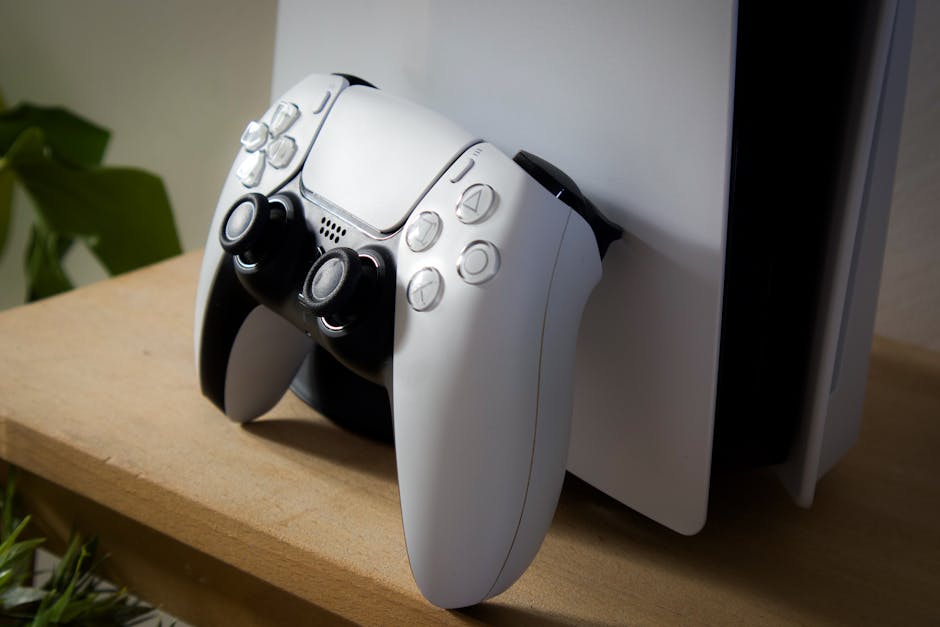
With the PlayStation 5’s impressive graphics capabilities, you’ll want a monitor that can keep up with your gaming needs. In this guide, we’ll help you find the best monitor for PS5, covering a range of budgets and features to suit every gamer.
Criteria for Choosing the Best Monitor for PS5
- Resolution: Look for 4K (3840 x 2160) or high-refresh-rate 1080p/1440p monitors for smooth gaming performance. For example, our PC build guides can help you learn more about building a gaming PC that can take advantage of these features.
- Refresh Rate: A minimum of 120Hz is recommended, but higher rates like 240Hz can provide even smoother gameplay. According to Tom’s Hardware, a higher refresh rate can make a significant difference in gaming performance.
- HDR Support: High Dynamic Range (HDR) support enhances color accuracy and contrast, making games look more realistic. Check out IGN’s guide on HDR for more information on how it works.
Key Features to Consider
When evaluating monitors, consider the following key features:
- Panel type (IPS, vA, tN)
- Response time
- Color gamut and accuracy
Evaluating Monitor Panel Type: IPS, vA, and TN
The panel type of a monitor can significantly impact the gaming experience. IPS panels offer excellent color accuracy and wide viewing angles, while VA panels provide better contrast ratios.
- IPS panels: ideal for gamers who prioritize color accuracy and wide viewing angles
- VA panels: suitable for those who want better contrast ratios and deeper blacks
Top Monitors for PS5: Our Picks
- Acer Predator XB273K 4K Monitor: A top-of-the-line 4K monitor with a 144Hz refresh rate and NVIDIA G-Sync technology. ($1,299) For more information on this monitor’s specifications, check out the manufacturer’s website.
- ASUS VG278Q 27″ Full HD Gaming Monitor: A budget-friendly option that still offers great performance with its 144Hz refresh rate and AMD FreeSync technology. Read our review of this monitor to learn more about its features and pros and cons.
Things to Consider When Choosing a Monitor for PS5
When choosing a monitor for your PS5, there are several things to consider beyond just the resolution and refresh rate. For example, you may want to think about the size of the screen, the color accuracy, and the connectivity options.
Also to these factors, also consider the monitor’s ergonomic features, such as tilt, swivel, and height adjustment, to ensure a comfortable gaming experience.
Connectivity Options: HDMI, displayPort, and More
A good monitor should have multiple connectivity options to accommodate your gaming setup. Look for monitors with at least two HDMI ports, one DisplayPort, and an audio output.