


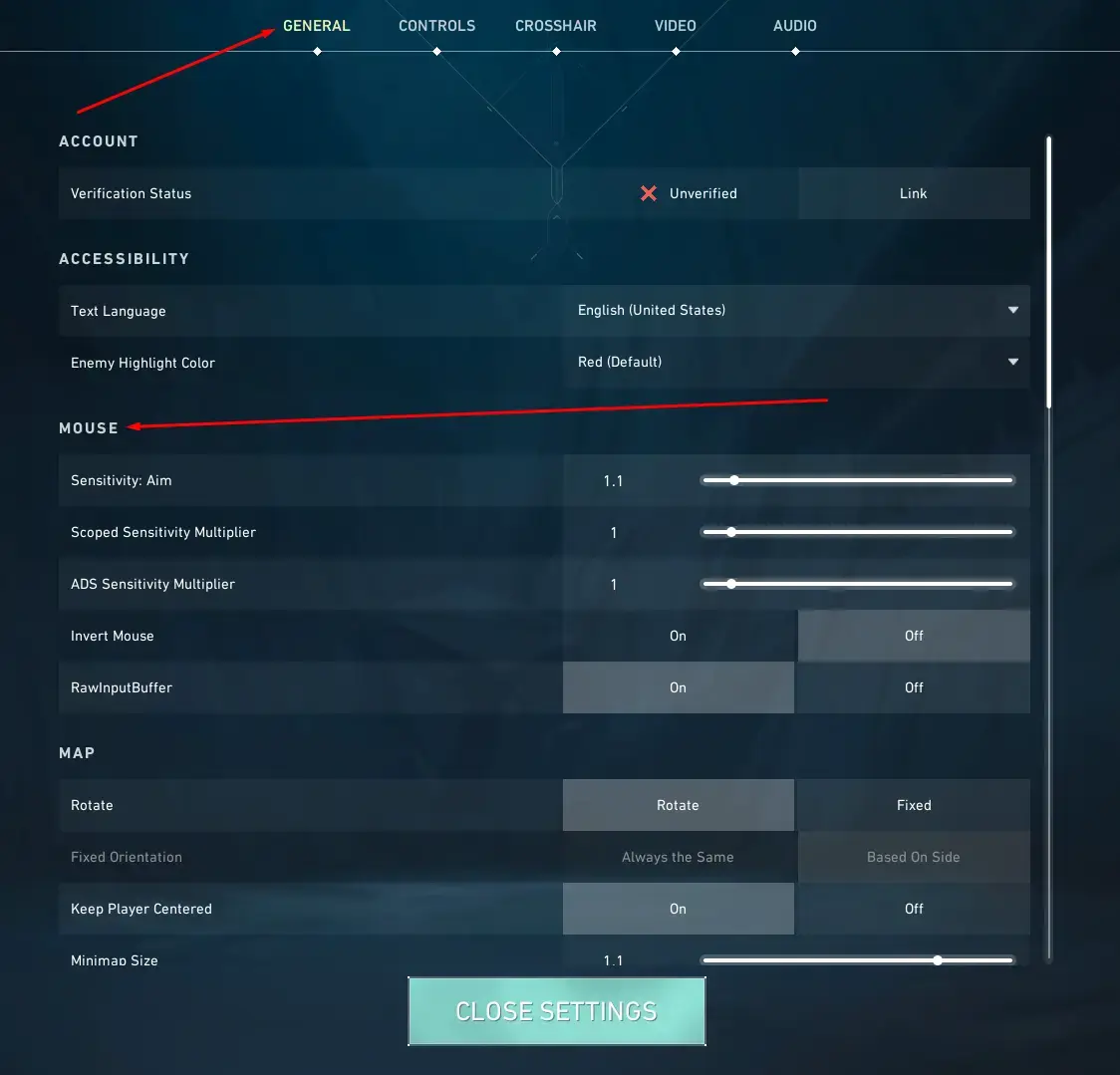
The right settings can make or break your Valorant gameplay, especially at high levels. With numerous options available, it's easy to get lost.
We'll break down the key settings to give you a competitive edge.
What Makes a Difference in Valorant
The settings in Valorant can really break or make your game. When you’re playing at a level where every split-second counts. Having the right settings is crucial. You have to know what each setting does and how it affects the way you play Valorant.
Graphics Quality: The Key to smooth gameplay
For people who play Valorant competitively, graphics quality and frame rate cap are top priorities. These settings affect how well you can aim and move around in-game. A high-quality graphics setting will give you a smoother experience, but it may also impact your performance.
In Valorant, you have several options for graphics quality: Low, medium, high, and Ultra. When adjusting the graphics quality, consider factors like texture resolution, shadow quality, and anti-aliasing. If you want to improve the game’s visuals, you can increase the resolution and shadow quality, but this may slow down your gameplay.
For example, if you’re playing on a mid-range computer, setting the graphics quality to High or Ultra might be too demanding for your hardware. In this case, it’s better to opt for Medium or Low settings to ensure smooth gameplay. Also, consider the impact of these settings on your GPU and CPU usage.
Graphics Quality Settings in Detail
The texture resolution setting affects how detailed textures appear in-game. A higher texture resolution will make textures look more realistic but may impact performance. Shadow quality also matters in graphics quality, as it determines the level of detail in shadows.
Anti-aliasing is another critical setting that affects graphics quality. It reduces jagged edges and makes visuals smoother. However, high-quality anti-aliasing can be demanding on hardware and may impact performance. To get the most out of your graphics card, consider enabling anti-aliasing only when necessary.
Frame Rate Cap and Sync: The Secret to Responsiveness
The frame rate cap in Valorant is another critical setting that affects your gaming experience. A high frame rate cap can provide a smoother experience. But it may also impact your performance. We recommend setting the frame rate cap to 144 FPS for optimal results.
Another important aspect of frame rate cap is sync. In Valorant, you have the option to turn on ‘Sync every frame’ to ensure that your game feels more responsive. This feature helps reduce lag and ensures a smoother experience. By syncing your frame rate with your monitor’s refresh rate, you can eliminate screen tearing and stuttering.
Resolution and Sensitivity: The Perfect Balance
For resolution and sensitivity in Valorant, finding the perfect balance is crucial. You should choose a resolution. Your computer can handle, such as 1080p or 1440p. Also, you should set the sensitivity to a level that feels comfortable for you, like medium or high.
For instance, if you’re playing on a high-refresh-rate monitor, setting the sensitivity too low may not be effective. In this case, it’s better to opt for a higher sensitivity setting to take full advantage of your monitor’s capabilities. Consider experimenting with different sensitivity settings to find what works best for you.
Customizing Your Settings: The Key to Success
Customizing your settings in Valorant requires patience and experimentation. Start with Ultra graphics quality and then adjust from there to find the perfect balance for your gameplay style. Don’t be afraid to try out different frame rate cap options and resolutions until you find what works best for you.
Putting it All Together: The Ultimate Guide
Finding the right settings in Valorant can make a big difference in how well you play. By following our expert guide. You’ll be able to fine-tune your settings and unlock a competitive edge in Valorant. Experiment with different options to find the perfect balance for your gameplay style.
Also, consider checking out our Valorant graphics settings guide for more detailed information on optimizing your game’s visuals. This complete guide covers everything from texture resolution to frame rate cap, and will help you take your gaming experience to the next level.
✅ Verdict
Follow our guide to improve your gameplay performance, reduce lag, and enhance your overall Valorant experience. Experiment with different settings to find your sweet spot.


