






The Best PC Hardware Setups for Gaming: A Comprehensive Guide
Are you tired of mediocre gaming performance? Do you want to take your gaming experience to the next level without breaking the bank? Finding the best PC hardware setup can be a daunting task, but with our comprehensive guide, you’ll learn how to upgrade your PC for optimal gaming performance and discover the top mid-range options that fit your needs.
📄 Table of Contents
Introduction to PC Hardware Upgrades
Upgrading your PC hardware can breathe new life into an old system and improve performance, but where do you start? In this article, we’ll cover the best options for every budget.
Key Components of a Good PC Hardware Setup
A good PC hardware setup should include a powerful CPU, sufficient RAM, and a high-quality GPU. The CPU is responsible for handling tasks such as video encoding, streaming, and gaming, while the RAM provides temporary storage for data that the CPU needs to access quickly.
The GPU, or graphics processing unit, is responsible for rendering images on your screen. A good GPU can make all the difference in gaming performance, especially at high resolutions like 1440p and 4K.
Choosing the Right Components
When choosing components for your PC hardware setup, consider your budget and the type of games you play. If you’re a serious gamer, you may want to invest in high-end components that offer excellent performance.
If you’re on a tight budget, focus on essential upgrades that will provide noticeable improvements in gaming performance. A new power supply unit (PSU), 16 GB RAM, and a storage upgrade to an NVMe SSD are must-haves.
- PSU: EVGA 550 GS, €60
- RAM: Corsair Vengeance LPX 16 GB, €40
- SSD: Kingston A2000 500 GB, €50
The Best Mid-Range PC Hardware Setups
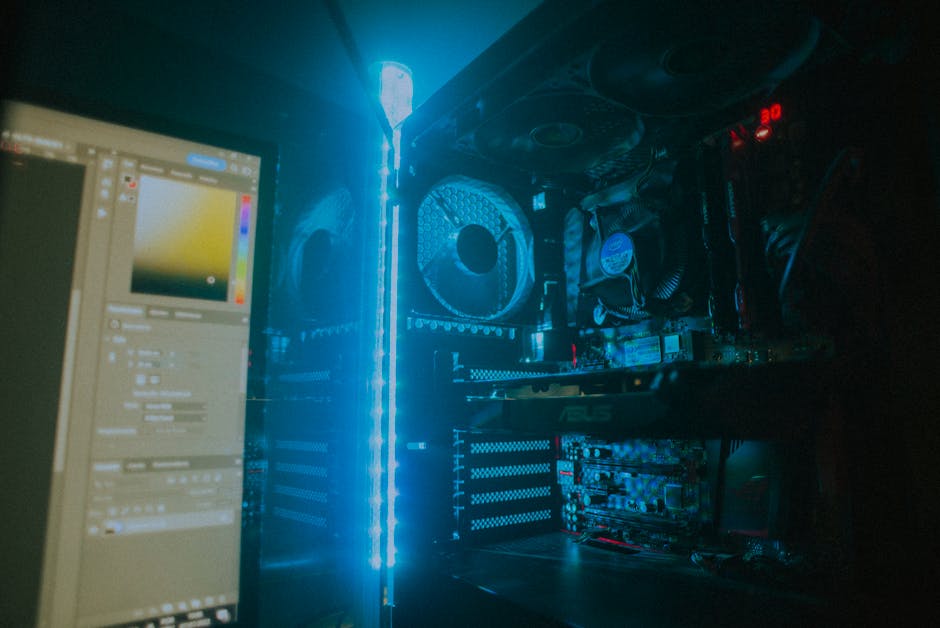
If you’re willing to spend a bit more, consider upgrading your graphics card and CPU for improved gaming performance. The NVIDIA GeForce RTX 3060 is an excellent mid-range option, offering 1440p gaming at high frame rates.
Top Picks for Mid-Range GPUs
For choosing a graphics card, there are several factors to consider. Make sure to choose a model that meets your gaming needs and budget.
If you’re looking to splurge, go for high-end upgrades that will provide top-notch gaming performance. Consider a liquid-cooled CPU and a high-end GPU like the NVIDIA GeForce RTX 3080.
- GPU: NVIDIA GeForce RTX 3080, €1000
- CPU: AMD Ryzen 9 5900X, €600
Considering Your Gaming Needs
Before making any upgrades, consider your gaming needs. What type of games do you play? Do you need high frame rates or high resolutions?
Also, think about the future. Will you be playing more demanding games in the near future? If so, it’s better to invest in high-end components now rather than upgrading later.
Upgrading Your PC for Optimal Performance
When upgrading your PC hardware, don’t forget about other essential components that can improve performance. Consider adding a high-quality sound card or a reliable cooling system to keep your components running smoothly.
A well-balanced power supply unit (PSU) is also crucial for stable operation and preventing damage to your components. Look for a PSU with a sufficient wattage rating and high efficiency.
The Verdict
Buy a mid-range GPU like the NVIDIA GeForce RTX 3060, paired with a capable CPU and RAM, if you want 1440p gaming under €400. This setup offers excellent performance at an affordable price point.